Web technology & design
Connecting Your Business Tools: How to Streamline Bookings and Payments on Your Website
· Rafael Cortes · 3 min read
For many small businesses, a website is treated like a digital business card. It displays your hours, lists your services, and shows your email address or phone number. But if customers still have to pick up the phone, write an email, or wait for a callback just to schedule an appointment or pay an invoice, you are adding friction to their experience.
For many small businesses, a website is treated like a digital business card. It displays your hours, lists your services, and shows your email address or phone number. But if customers still have to pick up the phone, write an email, or wait for a callback just to schedule an appointment or pay an invoice, you are adding friction to their experience.
Modern consumers expect convenience. By transforming your website from a passive page into an active customer portal that connects directly to the business tools you already use (like Calendly, Square, Stripe, or Mailchimp), you save time and secure sales automatically.
The Power of Seamless Tool Integration
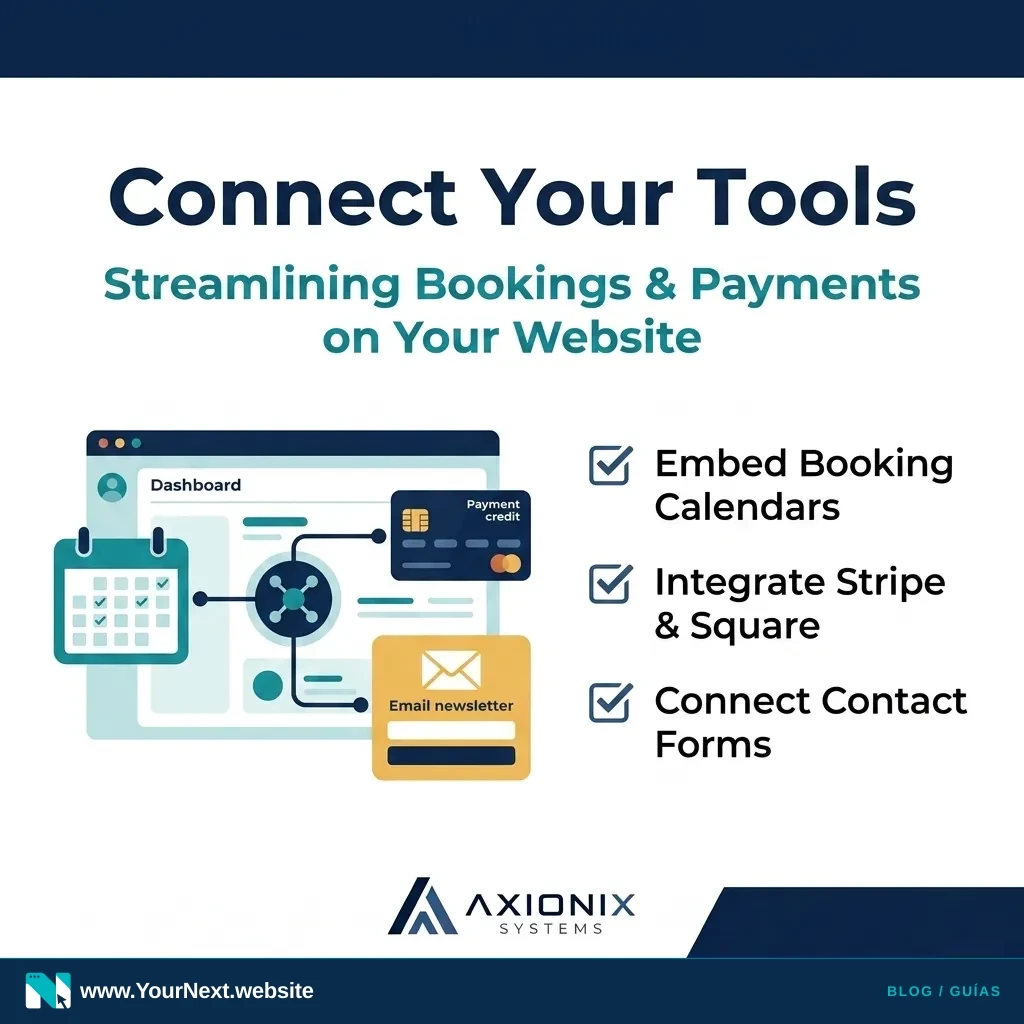
Instead of manually coordinating schedules or chasing invoices, you can embed your existing workflows directly into your website's layout. Here are the three most common integrations that save hours of operational overhead:
- Automated Scheduling: Tools like Calendly, Square Appointments, or Acuity can be embedded directly onto a page. Instead of playing email-tag to find a meeting time, clients simply choose an open slot on your calendar.
- Direct Payment Links: If you sell services, deposits, or digital products, embedding payment buttons from Stripe or Square allows clients to pay instantly using their credit card, Apple Pay, or Google Pay without leaving your site.
- Interactive Location Maps: If you operate a physical storefront or service area, a customized Google Map helps clients calculate driving times and find your business instantly.
The Mistake: Bloating Your Site with Heavy Plugins
While integrating these tools is a game-changer, the way you connect them matters. Many business owners make the mistake of installing multiple third-party plugins (especially on platforms like WordPress) to handle bookings or maps.
Every plugin you add increases your website's load time, introduces security risks, and frequently conflicts with other code, breaking your layouts. The professional way to connect tools is by using clean, lightweight asynchronous code snippets that load external services only when a user interacts with them.
A Checklist for Streamlining Your Customer Journey
Ready to upgrade your customer experience? Here is how to audit and automate your digital process this week:
- Audit your contact paths: Visit your site on a mobile phone and see how many steps it takes to schedule a consult or request a quote. Eliminate any unnecessary form fields.
- Choose a scheduling tool: Select a standard platform (like Calendly or Square Appointments) that syncs with your business calendar.
- Embed, don't link: Instead of sending users to an external website to book, embed the booking calendar directly into a dedicated "/book" page on your site to keep them engaged.
- Connect your newsletter: Link your contact forms directly to your email tool (like Mailchimp or HubSpot) to automatically capture leads and send follow-ups.
The Turn-Key Managed Alternative
If you don't want to deal with cPanel, custom iframe coding, or troubleshooting broken API connections, let us handle the engineering for you.
With the Your Next Website managed platform (www.YourNext.website), we design and build modern websites that seamlessly embed your scheduling widgets, payment systems, maps, and forms directly into your layout. We handle all the technical integrations, hosting, and updates, ensuring your systems work together smoothly so you can focus on running your business.
Upgrade Your Customer Flow
Planning a website that connects with your booking or payment tools? Tell Your Next Website about your workflow so we can discuss what your website needs.