For most small businesses, the contact form is the digital equivalent of a front door. When a potential customer fills it out, they are extending a hand. However, for many owners, that "door" is either stuck, letting in too much "noise" (spam), or worse, completely broken without anyone realizing it.
Ensuring your contact forms work reliably isn't just a technical task; it's a core operational requirement. If a lead fills out a form and never hears back because the email ended up in a junk folder or the server failed to send it, you haven't just lost a lead; you've likely left a bad first impression of your responsiveness.
The Hidden Failures of Email-Only Forms
The standard way many small business websites handle forms is simple: the website sends an automated email to the owner. This "send and pray" method is fragile. Modern email filters are aggressive. Often, the very email containing your next big contract is flagged as "spoofed" because it was sent by a web server rather than a human, leading it straight to the spam folder.
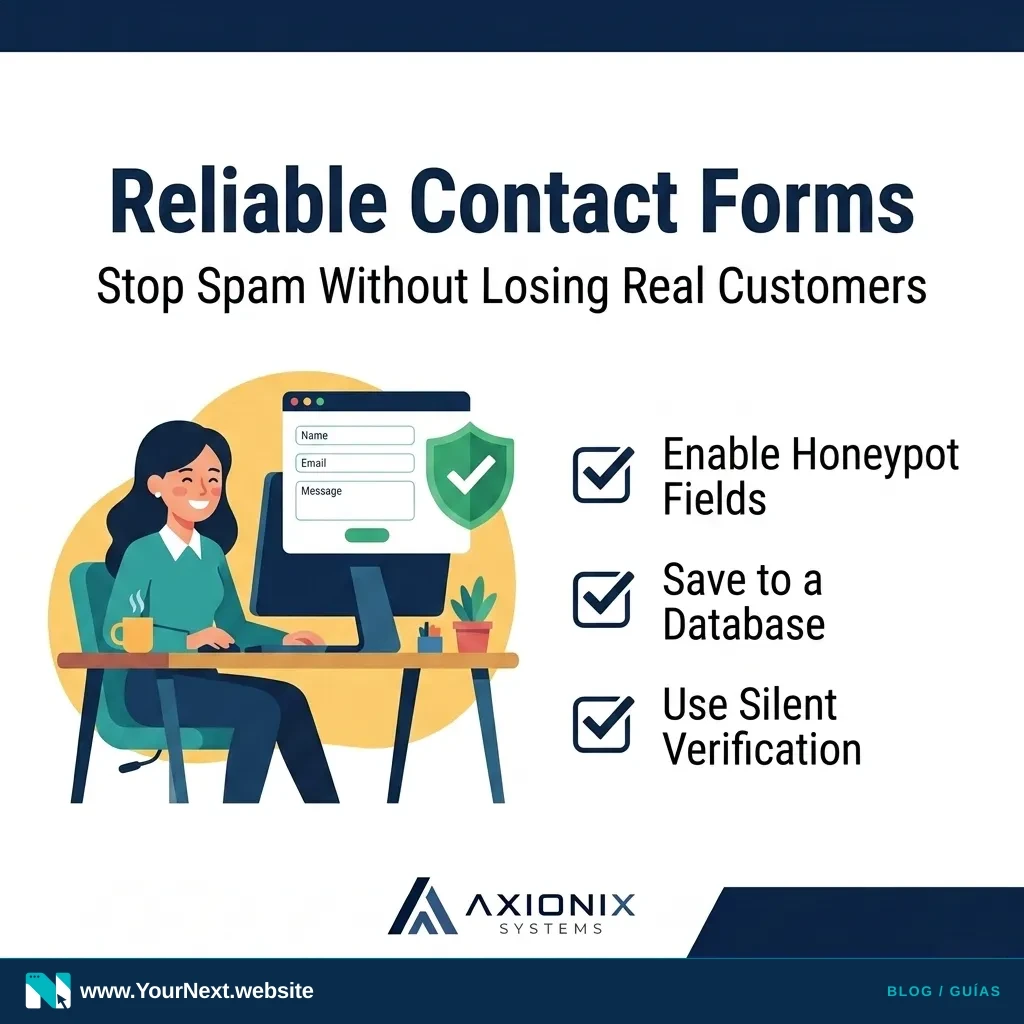
At Axionix, we recommend a "dual-track" approach. Don't just rely on an email notification. Ensure your website saves a copy of every submission to a secure database. This way, if an email goes missing, you have a master record you can check weekly to ensure no one fell through the cracks.
Instead of making customers solve annoying puzzles (like clicking on every bus in a grid), a "honeypot" is a hidden field that only bots can see. If the field is filled out, the system knows it's a bot and silently discards the entry. It’s a friction-free way to stop 90% of spam without bothering your human customers.
Balancing Security and Friction
We’ve all encountered those "I am not a robot" checkboxes that force you to identify traffic lights. While effective, they add friction. For a local service business, every extra second a customer spends on a form is a second they might decide to call your competitor instead.
Moving toward invisible spam protection (like the "honeypot" method or modern, silent verification tools) keeps your inbox clean without making your customers do extra work. Security should protect your time, not prevent your customers from reaching you.
Your Lead Capture Health Check
- Run a test submission: Fill out your own form today. Do you receive the notification within 2 minutes?
- Check the "Reply-To" address: When you hit reply on a lead notification, does it go to the customer or back to your own website server?
- Audit your spam folder: Search your junk mail for phrases like "New Submission" or "Contact Form" once a week.
- Set up a "Thank You" page: Instead of a tiny text message, redirect users to a dedicated page. It confirms success and allows you to track conversions accurately.
- Centralize your data: If you use a CRM (like HubSpot, Salesforce, or even a Google Sheet), ensure your form sends data directly there so it can't be lost.
Your contact form should help customers reach you. Talk with Your Next Website about your website and lead-capture needs, including form delivery and spam protection.