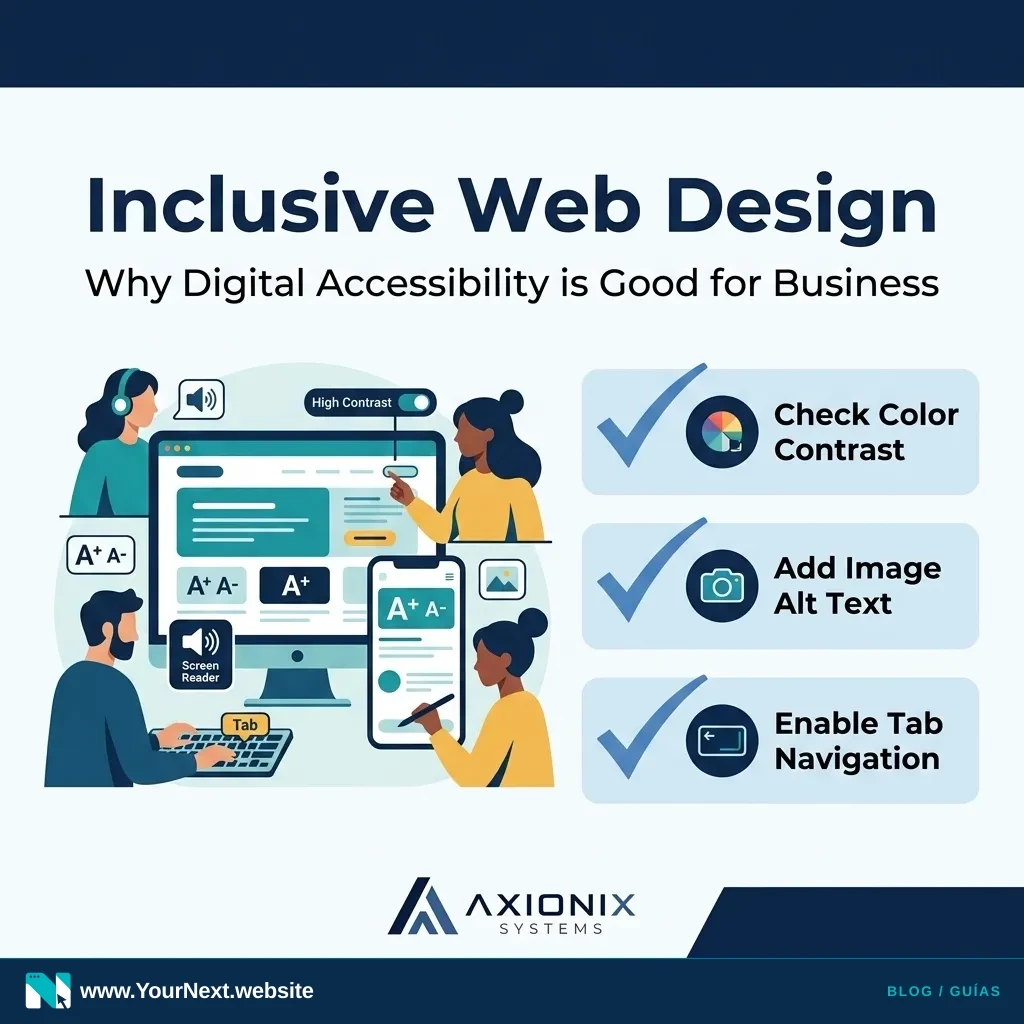
When most small business owners hear the term "web accessibility" or "WCAG compliance," they often think of complex legal requirements or expensive technical overhauls. In reality, digital accessibility is much simpler: it’s about ensuring that as many people as possible can use your website, regardless of how they navigate the internet.
Think of it like the physical entrance to your shop or office. If you have a heavy door or a steep step, you might unintentionally turn away customers using strollers, crutches, or wheelchairs. Digital barriers do the same thing online. By making small, practical adjustments, you aren't just "checking a box"—you are opening your virtual doors to a wider audience.
The Business Benefits of Accessibility
Accessibility isn't just a moral or legal consideration; it's a smart business move. When a website is built with accessibility in mind, it tends to be cleaner, faster, and easier for everyone to use. For example, high-contrast text is easier for someone with a visual impairment to read, but it’s also much easier for a customer trying to read your menu on a smartphone in bright sunlight.
Furthermore, search engines like Google reward accessible websites. Features that help screen readers understand your content—like clear headings and descriptive image text—also help search engine bots index your site more accurately. An accessible site is often a high-performing site that ranks better in local searches.
Practical Steps for Your Website This Week
You don't need a complete redesign to start improving your site's accessibility. Focus on these high-impact areas that improve the experience for all users:
- Check Your Contrast: Ensure your text stands out clearly against the background. Grey text on a light grey background might look "modern," but it’s difficult for many users to read.
- Add "Alt Text" to Images: Every meaningful image on your site should have a brief description in the "Alt" field. This allows screen readers to describe the image to someone who cannot see it.
- Use Clear Headings: Organize your pages with H1, H2, and H3 tags in a logical order. This creates a roadmap for both human readers and automated tools.
- Make Links Descriptive: Avoid using "Click Here" as your link text. Instead, use "View Our Pricing Guide" or "Contact Our Support Team." This tells the user exactly where the link goes.
- Test Keyboard Navigation: Try navigating your own website using only the "Tab" key. Can you reach all the buttons and forms? If not, a customer who can't use a mouse won't be able to buy from you.
Accessibility is an ongoing journey, not a one-time project. As your business grows and your website evolves, keeping these simple principles in mind ensures you never accidentally lock a potential customer out of your business.
Make your next website easier for customers to use. Explore managed website design with Your Next Website, or contact us to discuss accessibility improvements for your business.